UI/UX · B2B SaaS · 2024

Tata Fleet Edge

Taming a fleet.

Enterprise fleet management, redesigned for the people who run it.

UI/UX Case Study · B2B SaaS · ZeroToOne Labs

The brief said:
tame a fleet.

Designing an enterprise fleet management platform that turns dense operational data into fast, clear decisions — across mobile and web.

RoleUI/UX Designer · Solo
Duration6 Months
ScopeMobile + Web
ClientTATA Brand
01 — Context

A fleet management platform
built for scale.

TATA Fleet Edge is an enterprise platform enabling businesses to monitor vehicles in real time, track health and violations, schedule maintenance, and surface driver behaviour insights across large fleets.

Working exclusively on the TATA brand at ZenFishive Labs, I spanned multiple modules across mobile and web — designing interfaces that transform dense operational data into clear, fast decisions.

100+
vehicles a fleet manager must scan and act on — instantly
4
core platform modules designed end-to-end across web and mobile
The core design challenge

Fleet managers need to scan the status of 100+ vehicles instantly and act on critical alerts in seconds — without being overwhelmed by the data they don't immediately need.

02 — Objectives

Five goals that shaped
every decision.

Before any wireframe, I defined what success looked like.

01Design a real-time tracking map that stays readable at any fleet size — from 5 vehicles to 500.
02Surface critical vehicle health alerts and violations without burying routine data.
03Build a maintenance scheduling module that reduces missed services through proactive alerts.
04Create a design system that scales across the full platform — consistent on both web and mobile.
05Meet TATA brand standards while preserving functional clarity for daily enterprise use.
03 — Process

Thinking on paper before
touching Figma.

Four phases. No skipping steps.

01
Discover
Competitive audit of fleet platforms, stakeholder interviews, existing workflow mapping
02
Define
Information architecture, alert hierarchy, HMW framing around fleet manager workflows
03
Ideate
Three directions explored — data-dense, consumer minimal, and progressive disclosure
04
Build
Design system first, then modules — map, alerts, maintenance, driver insights
04 — The Insight

The insight that changed
everything.

One stakeholder session reframed the entire design direction.

"When everything is urgent, nothing is urgent. I stop reading the alerts after the first ten minutes of my shift."

— Fleet Manager, TATA logistics partner

Every design decision after that moment was filtered through one question: does this make the important thing faster to find?

05 — Ideation

Exploring directions before
touching Figma.

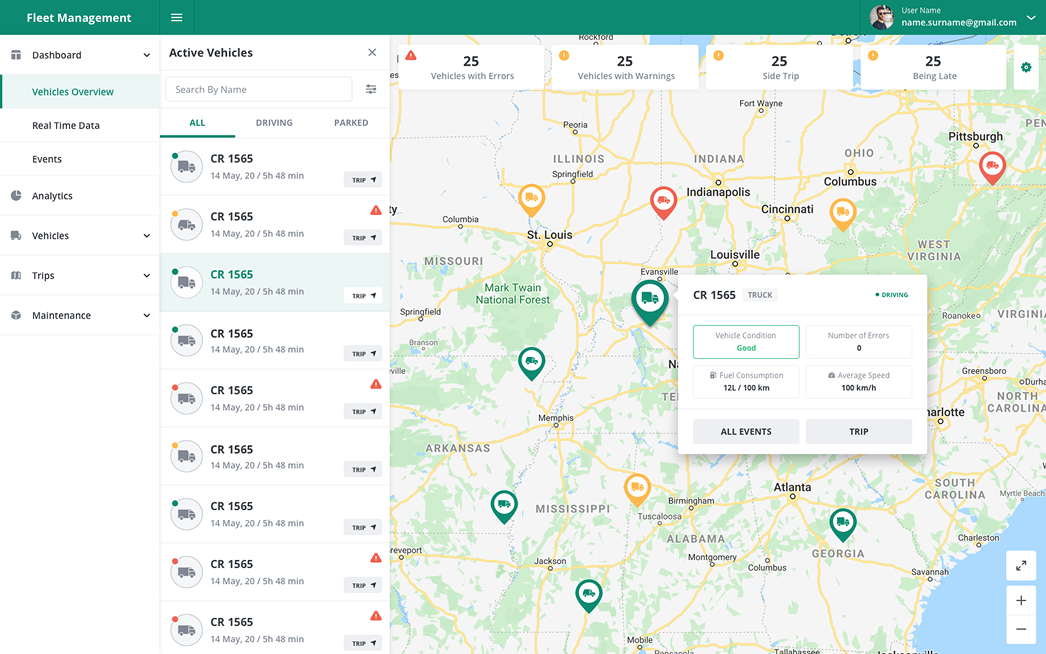
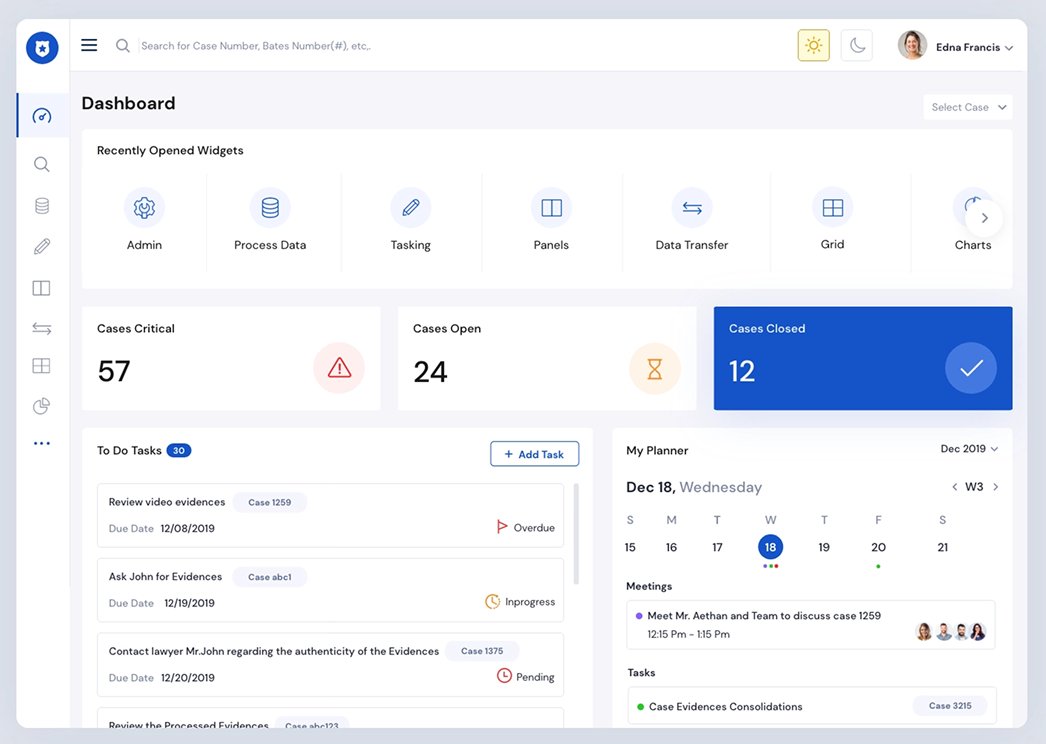
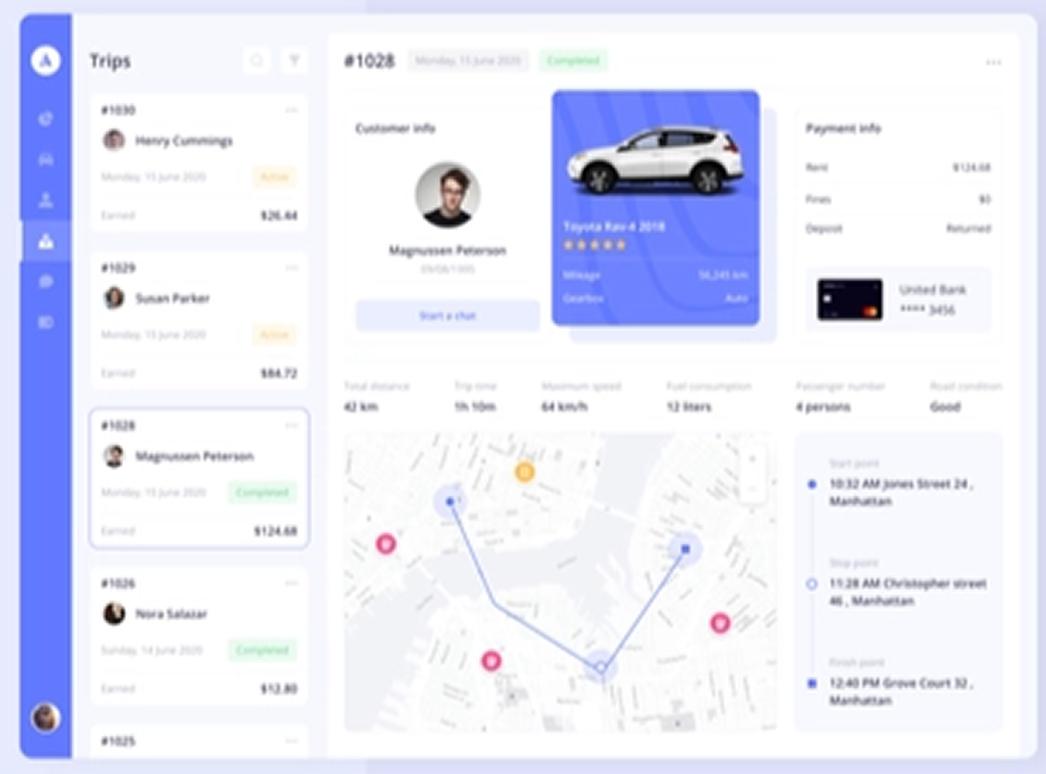
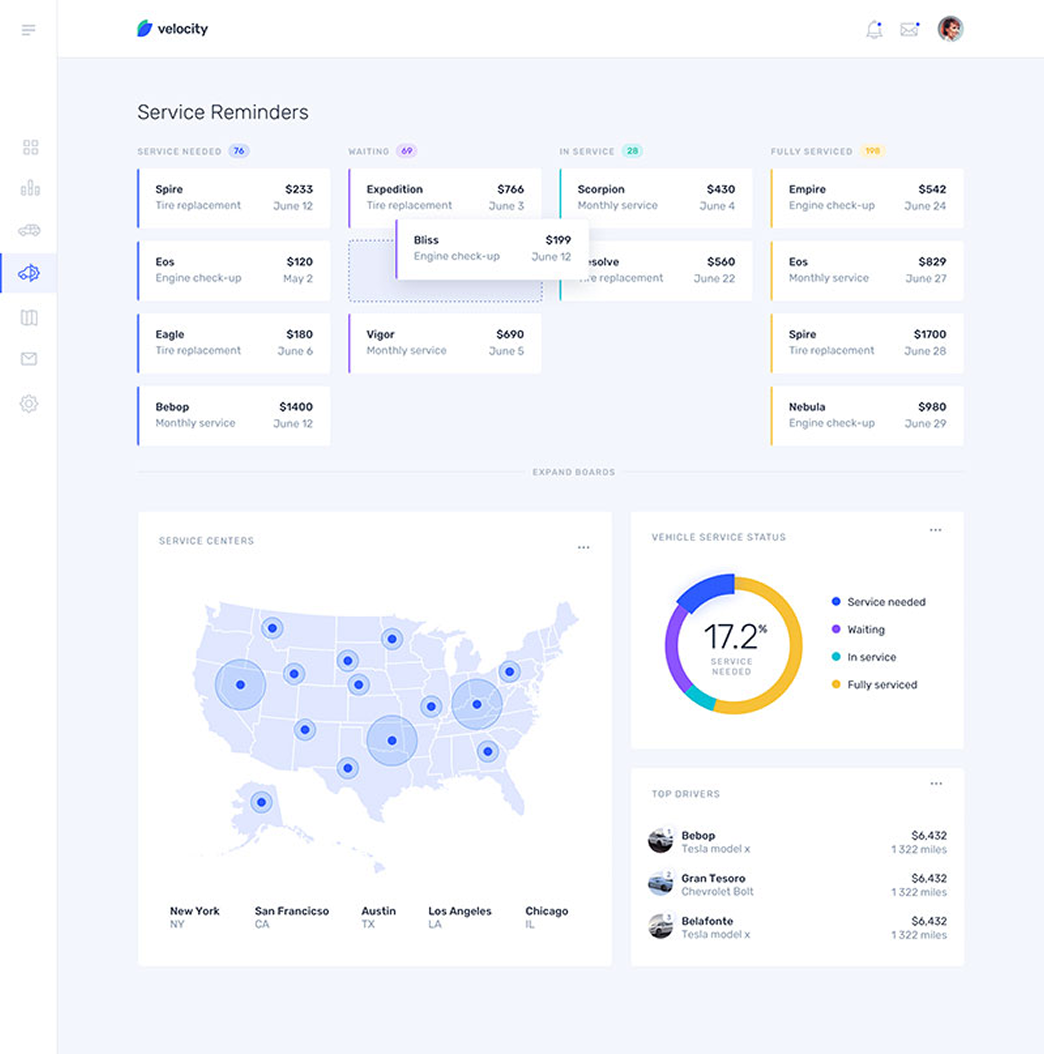
I explored reference interfaces and competitive fleet platforms to understand B2B dashboard conventions — then deliberately challenged the patterns that didn't serve real fleet manager workflows.
Moodboard references
Dashboard layout reference Dashboard layout
Map interface reference Map interface
Data tables reference Data tables
Mobile patterns reference Mobile patterns
Three directions explored
Explored + Discarded
Data-dense Dashboard
Packed every metric onto one screen. Concept testing showed fleet managers couldn't locate critical alerts — everything competed equally for attention.
✕ Cognitive overload. No clear hierarchy of urgency.
Explored + Discarded
Consumer-style Minimal
Clean and simple but hid too much critical data beneath taps. Enterprise fleet managers need density and control — not a consumer app experience.
✕ Insufficient data visibility for daily enterprise use.
Chosen Direction
Progressive Disclosure
High-level summary at a glance, full detail one tap away. Matches how fleet managers actually work: scan first, investigate second.
✓ Balances density with scanability. Maps to real workflows.
06 — Design Craft

Building the
system first.

Before designing screens, I built the component library. Every new module took days instead of weeks.

Aa Inter / SF Pro
⚠ Alert ● Moving
07 — Key Decisions

Three decisions that
shaped the product.

Not everything is worth explaining. These three defined the platform.

Decision 01
Fleet managers were drowning in undifferentiated data.
Solution
Introduced a severity-tiered alert system. Critical vehicle issues surface to the top of every module automatically. Routine data sits one level deeper — accessible but not competing.
"When everything is urgent, nothing is urgent — and a missed alert in fleet management means a vehicle off the road."
Decision 02
The map became unreadable with 100+ vehicles on screen.
Solution
Designed an intelligent clustering system that groups nearby vehicles at lower zoom levels and expands on zoom-in. Status colours follow a strict 3-tier system: green (moving), amber (idle), red (alert).
"A map that only works when the fleet is small isn't a product — it's a prototype."
Decision 03
TATA brand red conflicted with functional warning states.
Solution
Reserved TATA red exclusively for brand moments — header, logo, primary CTAs. Amber for warnings. Blue for interactive actions. Each colour earns a single meaning across the entire platform.
"Colour ambiguity in a safety-critical enterprise context is a UX failure, not just an aesthetic one."
08 — Impact

What the work
achieved.

Six months of solo design work across mobile and web. Four core platform modules designed end-to-end.

🔒
NDA Disclosure
Due to NDA restrictions, original designs have been modified. Brand names have been changed and screen content has been altered. These outcomes and metrics reflect real results from the engagement.
15%
improvement in vehicle monitoring efficiency post-deployment
4+
core platform modules designed end-to-end across web and mobile
6
months of solo design work spanning mobile and web platforms
09 — Learnings

What broke.
What I learned.

The lessons that will follow me into every enterprise project.

01
Enterprise UX is about reducing friction, not adding delight
Fleet managers don't want beautiful — they want fast. Every decision was measured against a single question: does this make the task faster or slower?
02
Brand compliance and functional clarity can coexist
Navigating TATA's brand guidelines while maintaining UX quality taught me how to find creative constraints within rigid systems — and turn them into design decisions.
03
Design systems pay off immediately on large platforms
Building the component library first meant every new module took days instead of weeks. I saw the compounding value of systems thinking firsthand on this project.
04
Colour must earn its meaning in safety-critical UI
Using TATA red for both brand and warning states created ambiguity. The discipline of assigning each colour a single function across the platform was one of the defining decisions.