Global Bridge
Where Safety Meets Discovery
A mobile app improving safety for international students through shared experiences and peer connection.
Where Safety
Meets Discovery
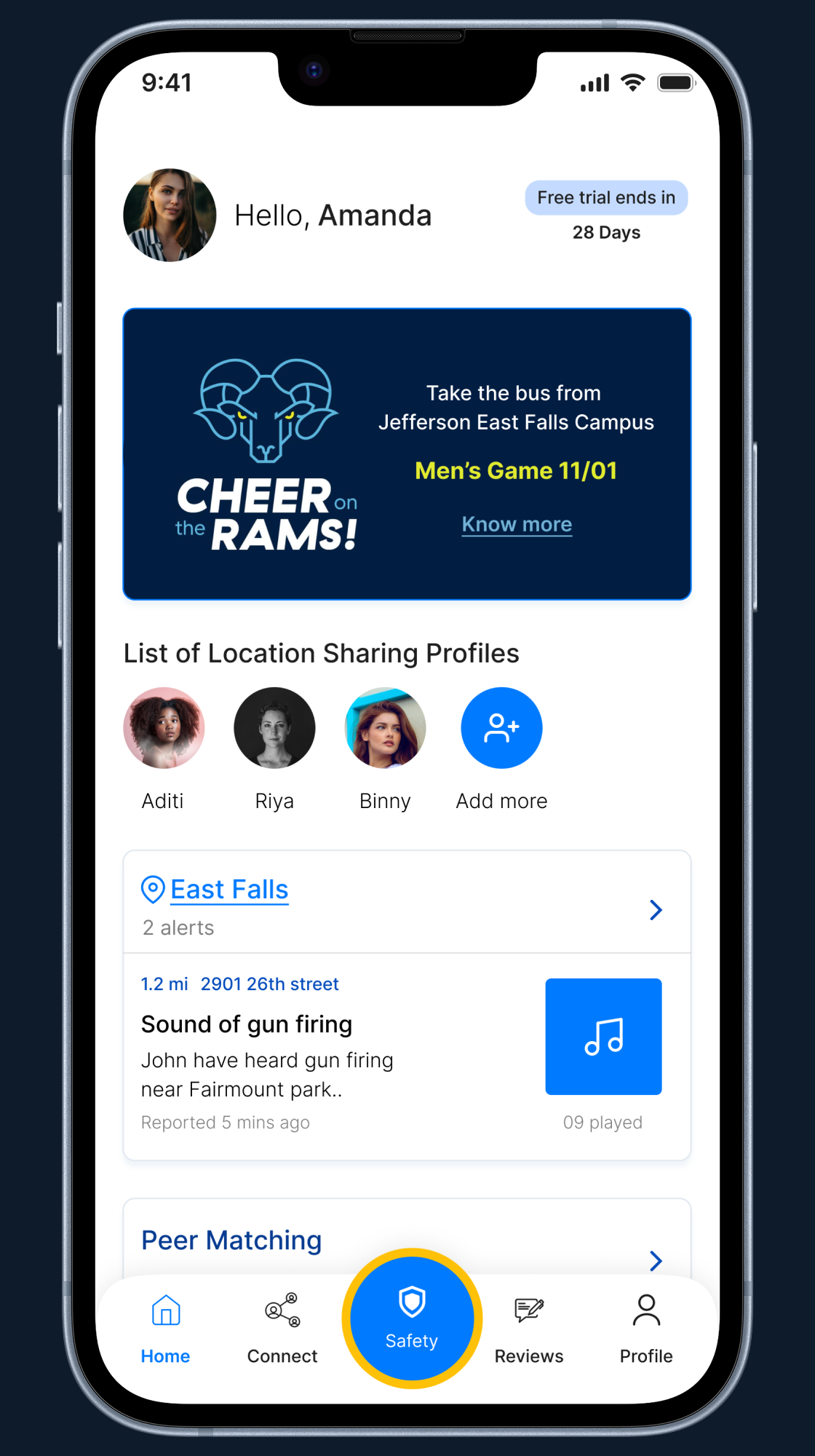
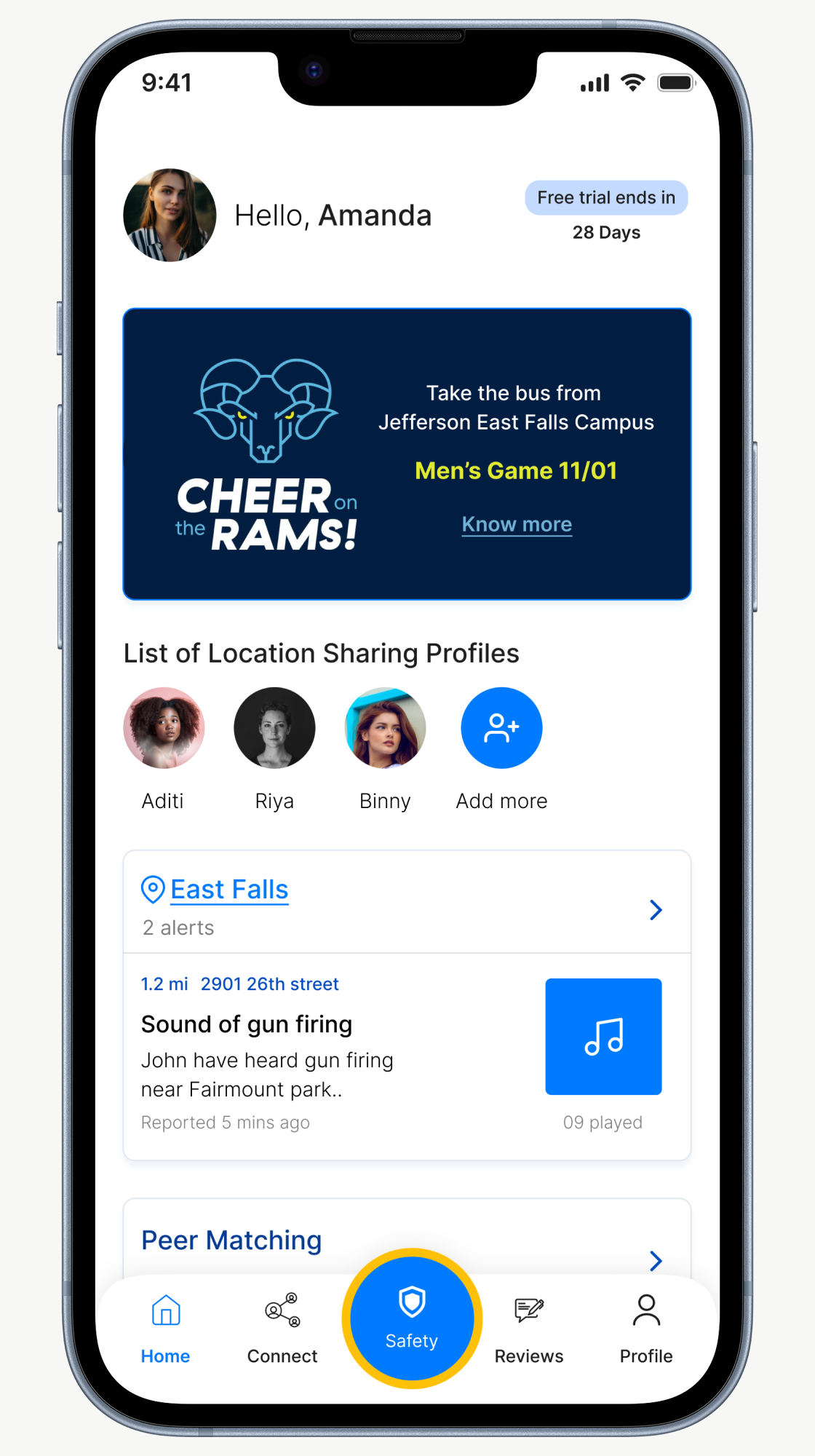
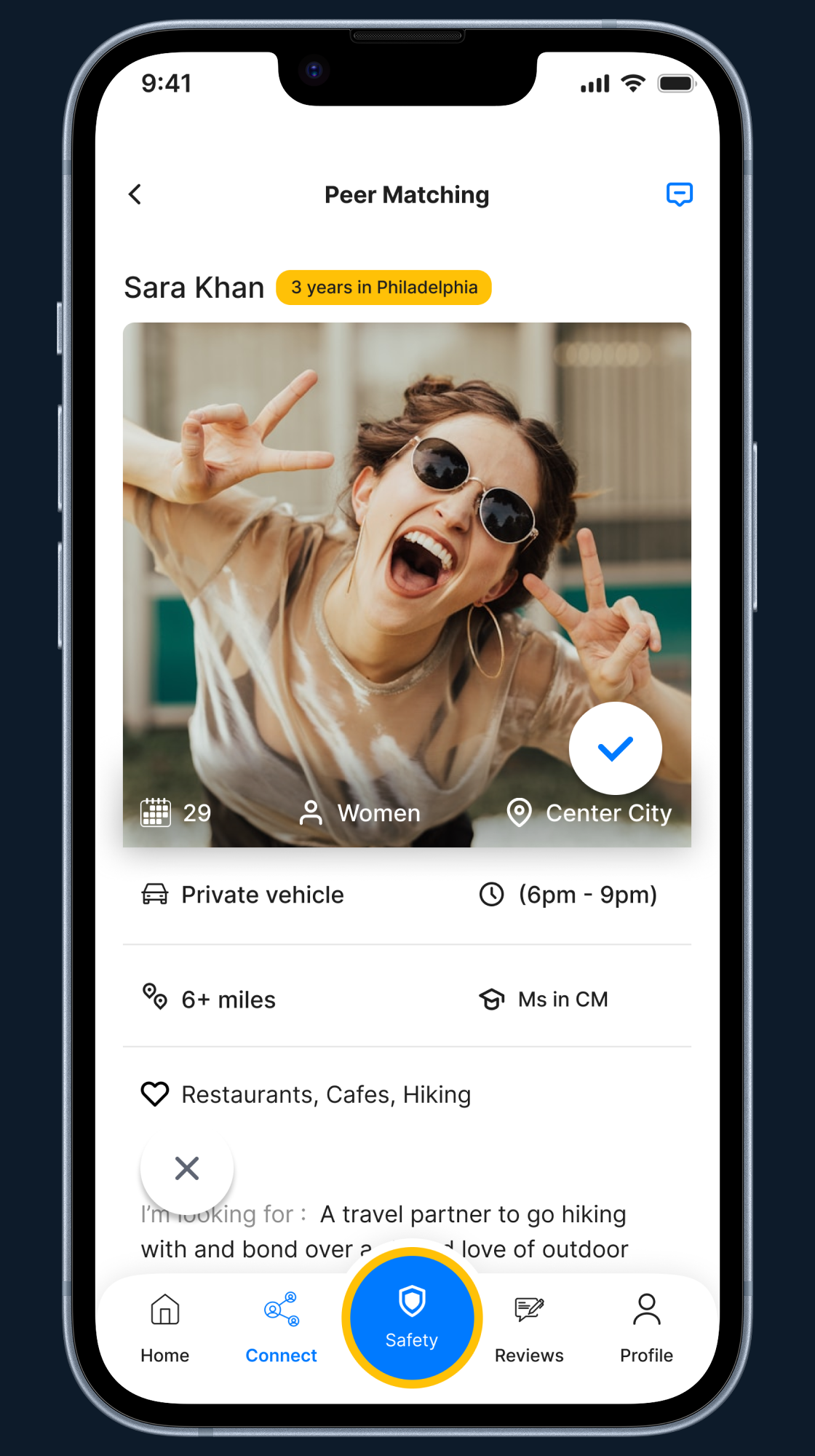
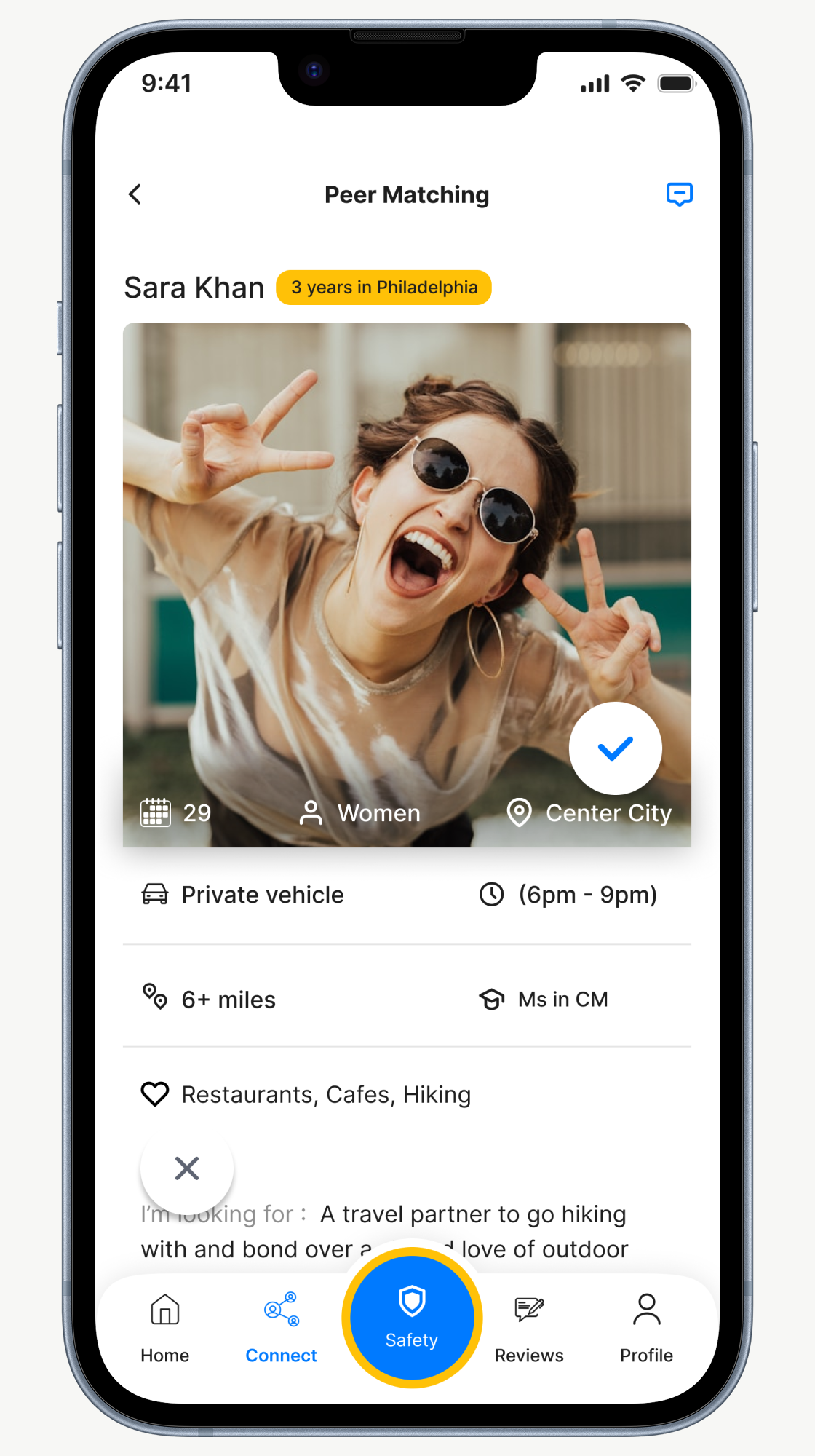
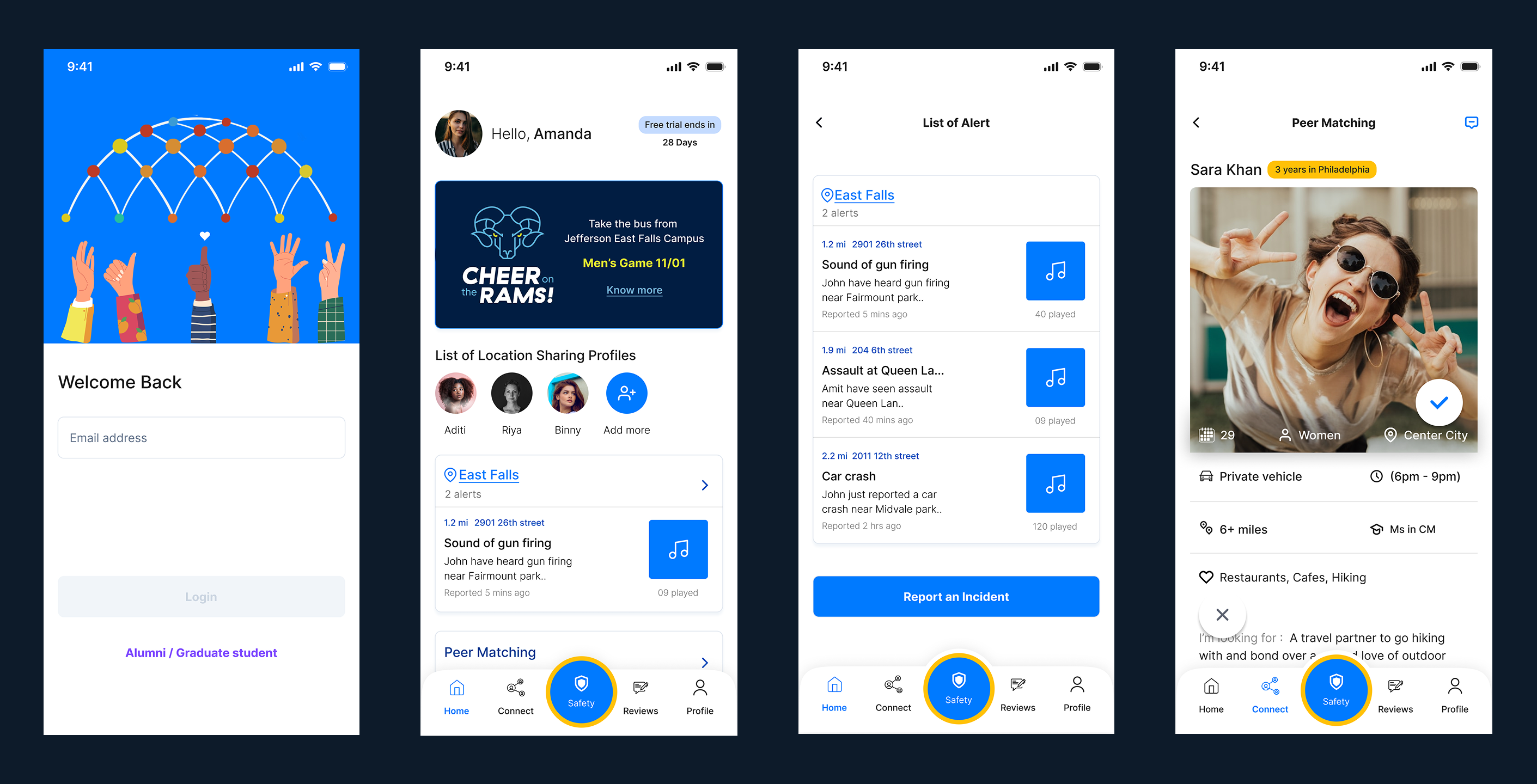
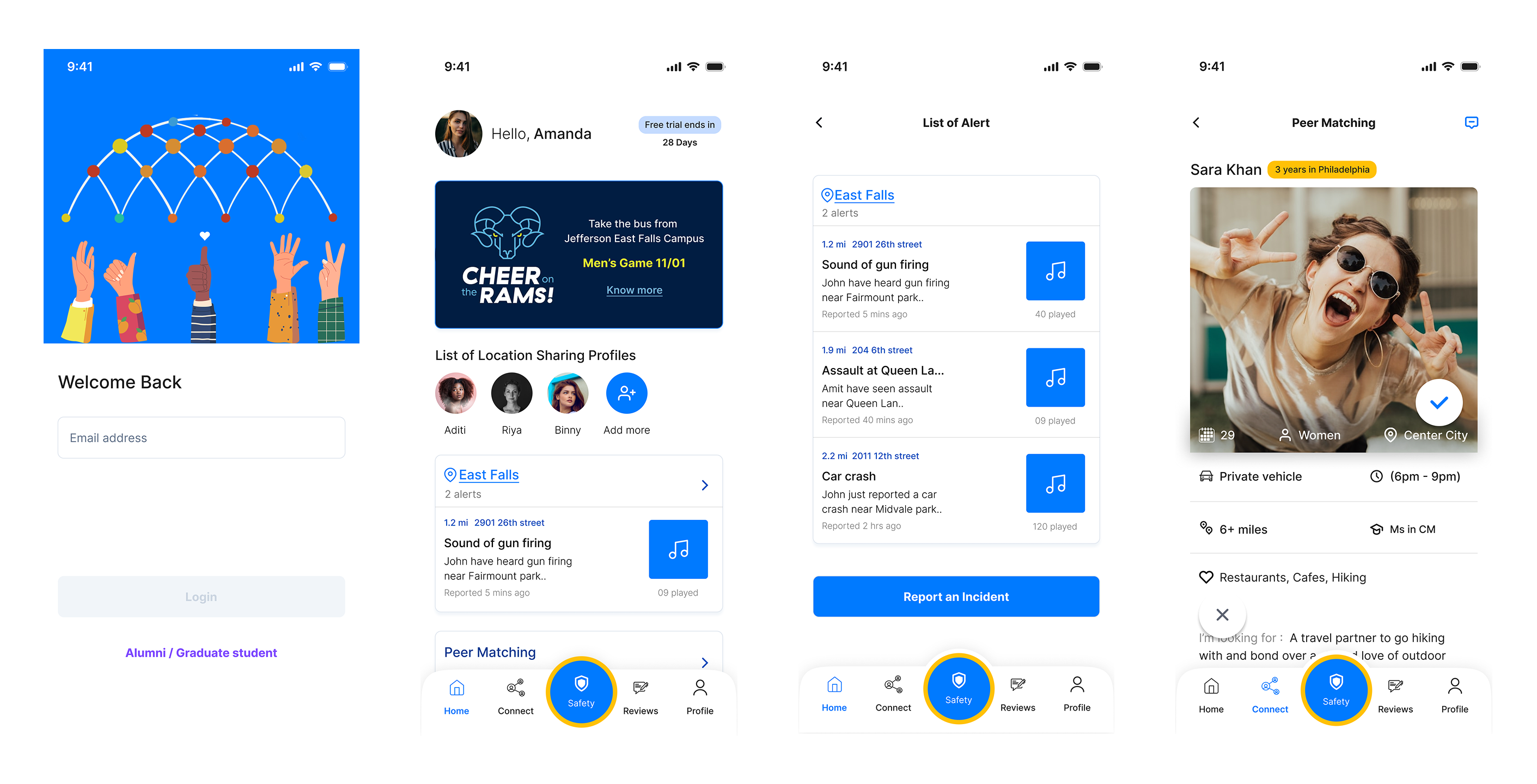
Know who's around
you, instantly
Where Safety Meets Discovery
The brief said:
build a safety app.
A mobile app improving safety for international students through shared experiences and reviews.
Personal safety is top of mind
on college campuses.
Deep desk research revealed a startling reality: current safety tools fail at the exact moment they're needed most.
The incident that changed everything.
One interview session changed the entire design direction.
"There were a bunch of dudes or you know, middle aged teenagers, if I could put it that way. Who kicked me around from the back and you know, I fell on the ground and they threw a few punches and everything but I don't know what their intention was till they said that's one thing that's haunting me till now."
Every design decision after that moment was filtered through one question: Would this have helped him?
Thinking on paper before
touching Figma.
Four phases. No skipping steps.
Mapping an international student's journey
through the city alone.
Every touchpoint. Every emotion. Every missed chance to help.
| Leaving Class | Walking Alone | Phone Dies | High Anxiety | Arrives Home | |
|---|---|---|---|---|---|
| Action | Packs bag, checks battery (22%) | Walks fast, avoids eye contact | No way to reach anyone | Considers asking a stranger | Locks door, texts roommate |
| Feeling | Uneasy | Anxious | Panicked | Helpless | Relieved |
| Gap | ✕ No safety check-in | ✕ No route sharing | ✕ Completely cut off | ✕ No emergency protocol | ✓ Safe — by luck |
Two problems.
One solution.
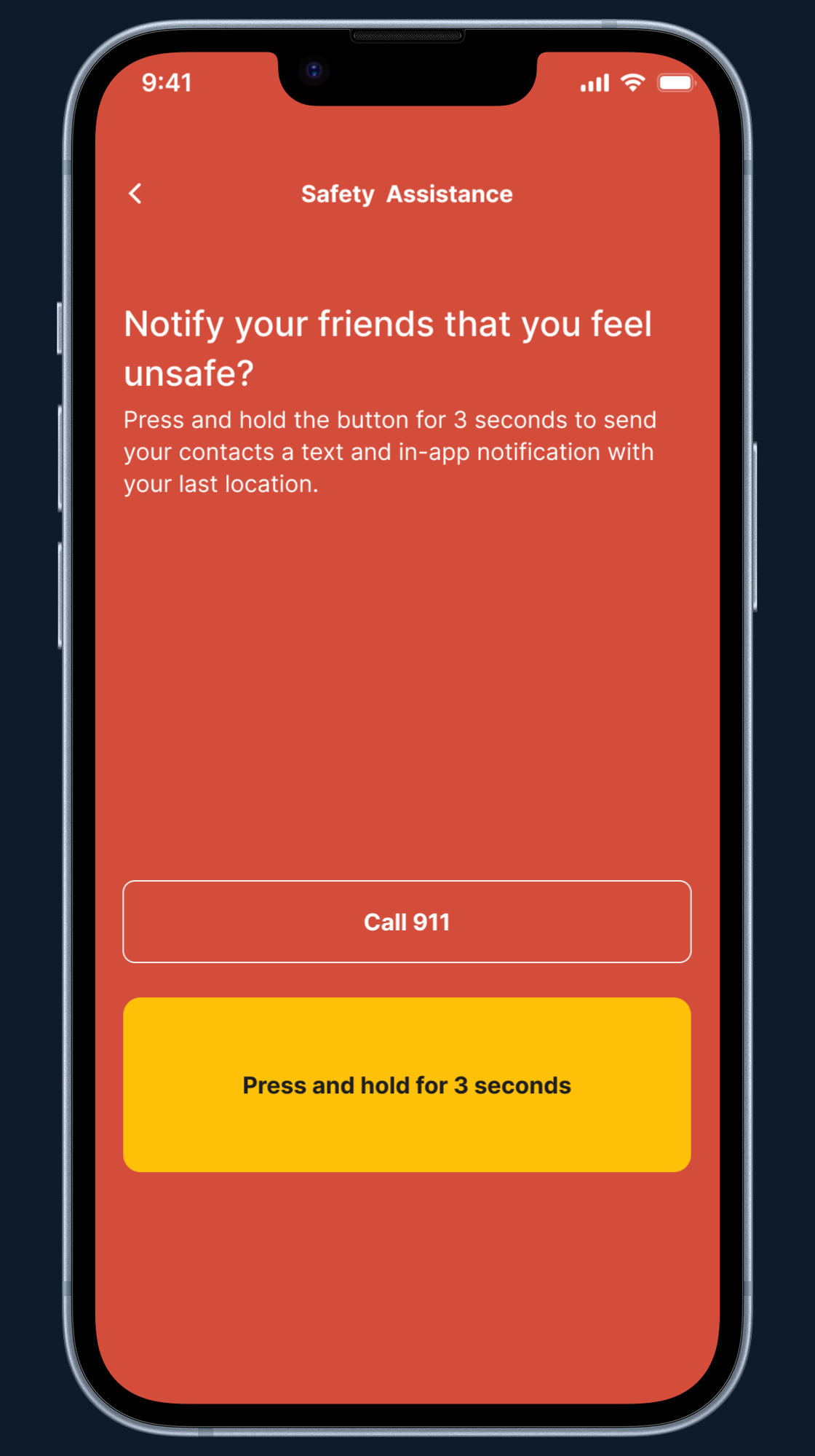
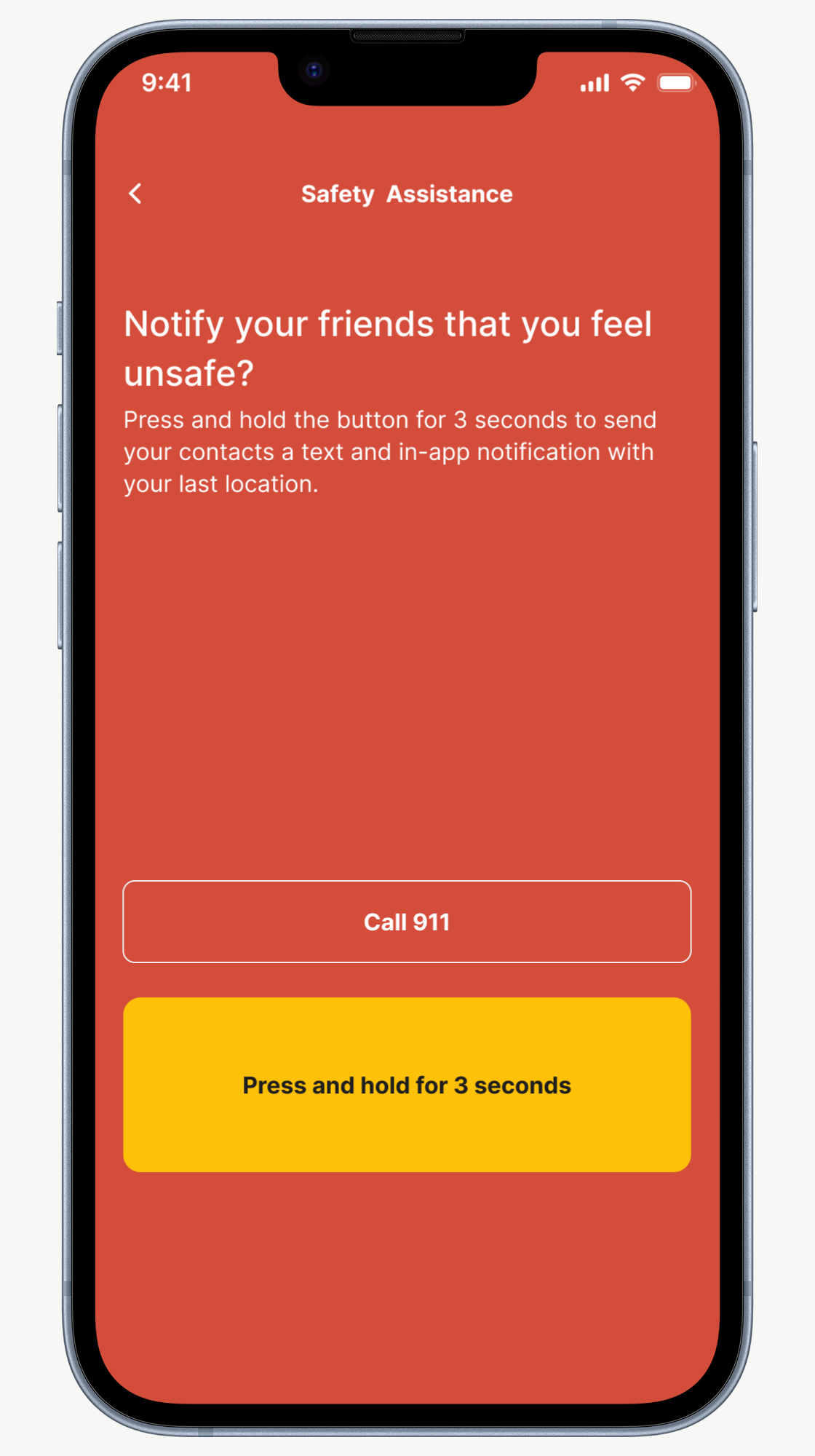
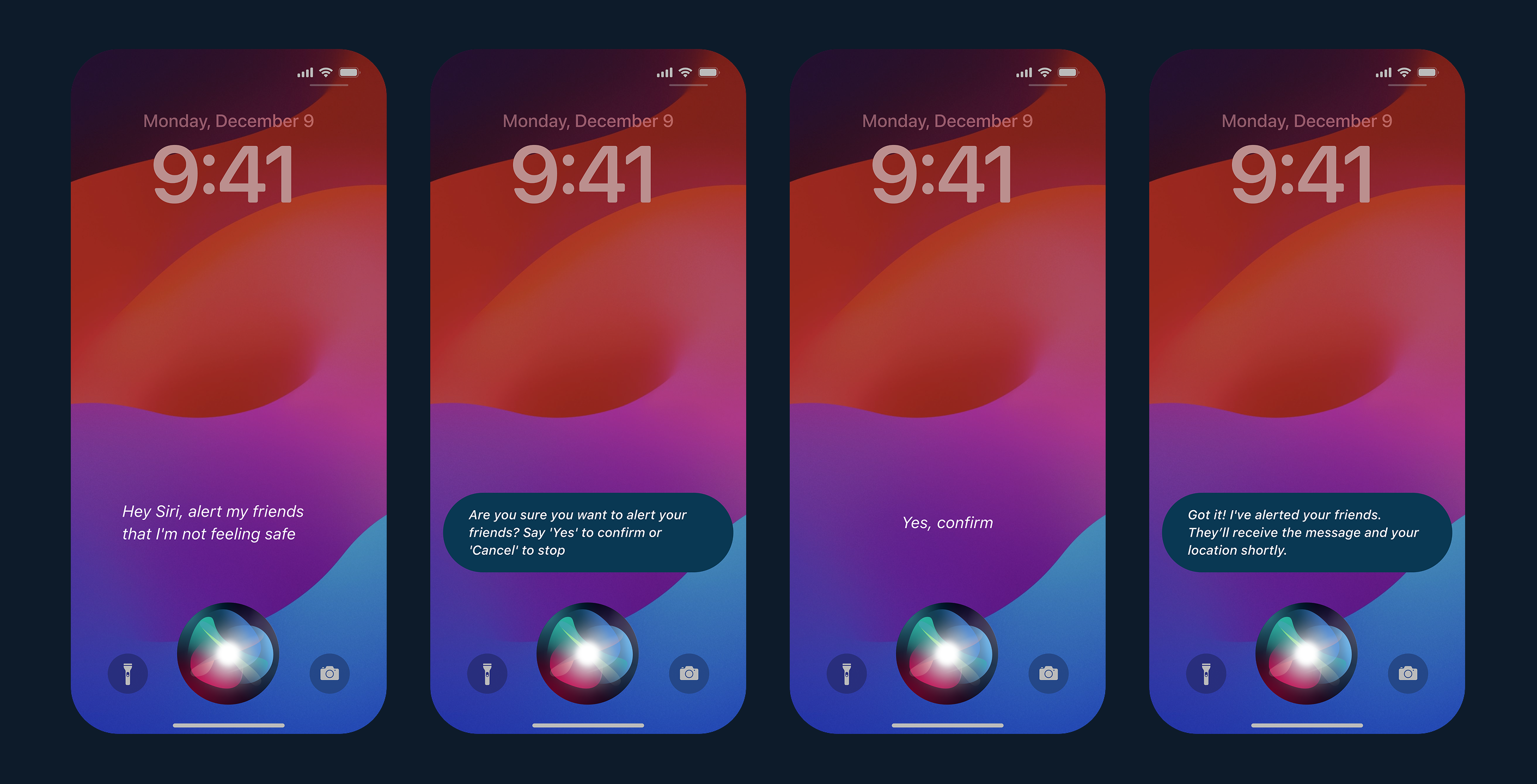
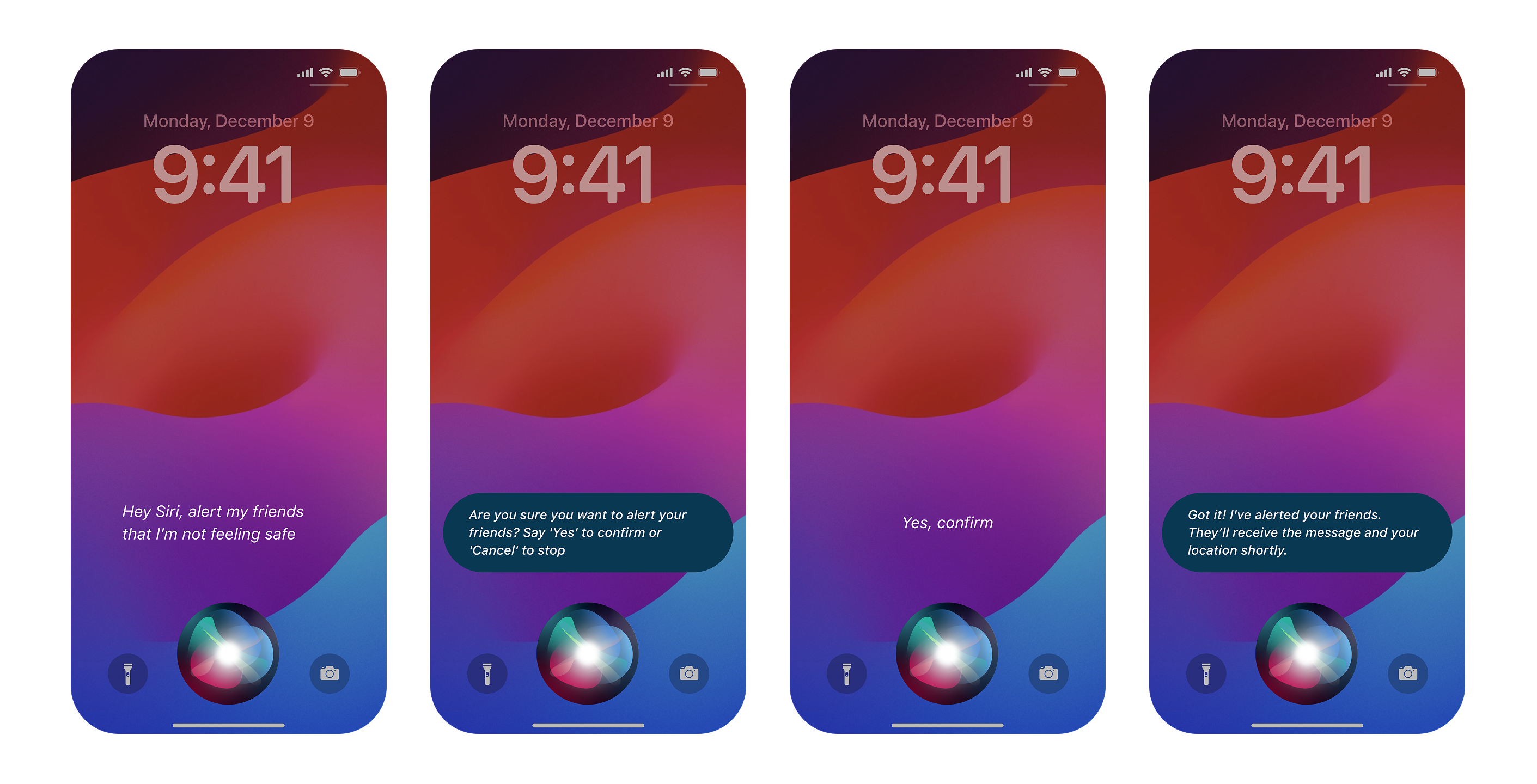
Safety Assistance
Students can quickly alert friends and nearby app users if they feel unsafe, with real-time location updates.
Review System
Students can share and review local places based on safety, helping others make informed decisions.
Features that make
Global Bridge unique.
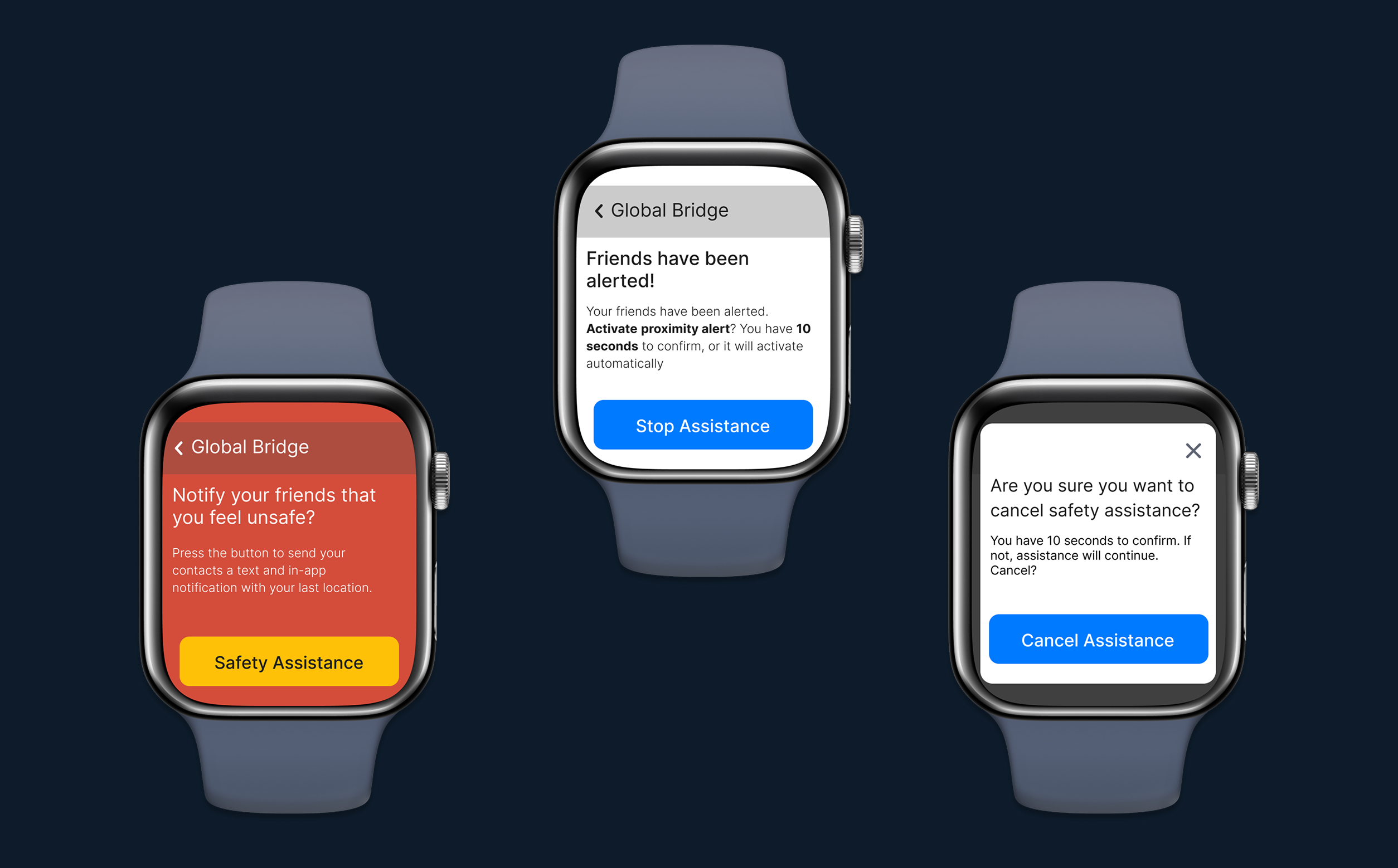
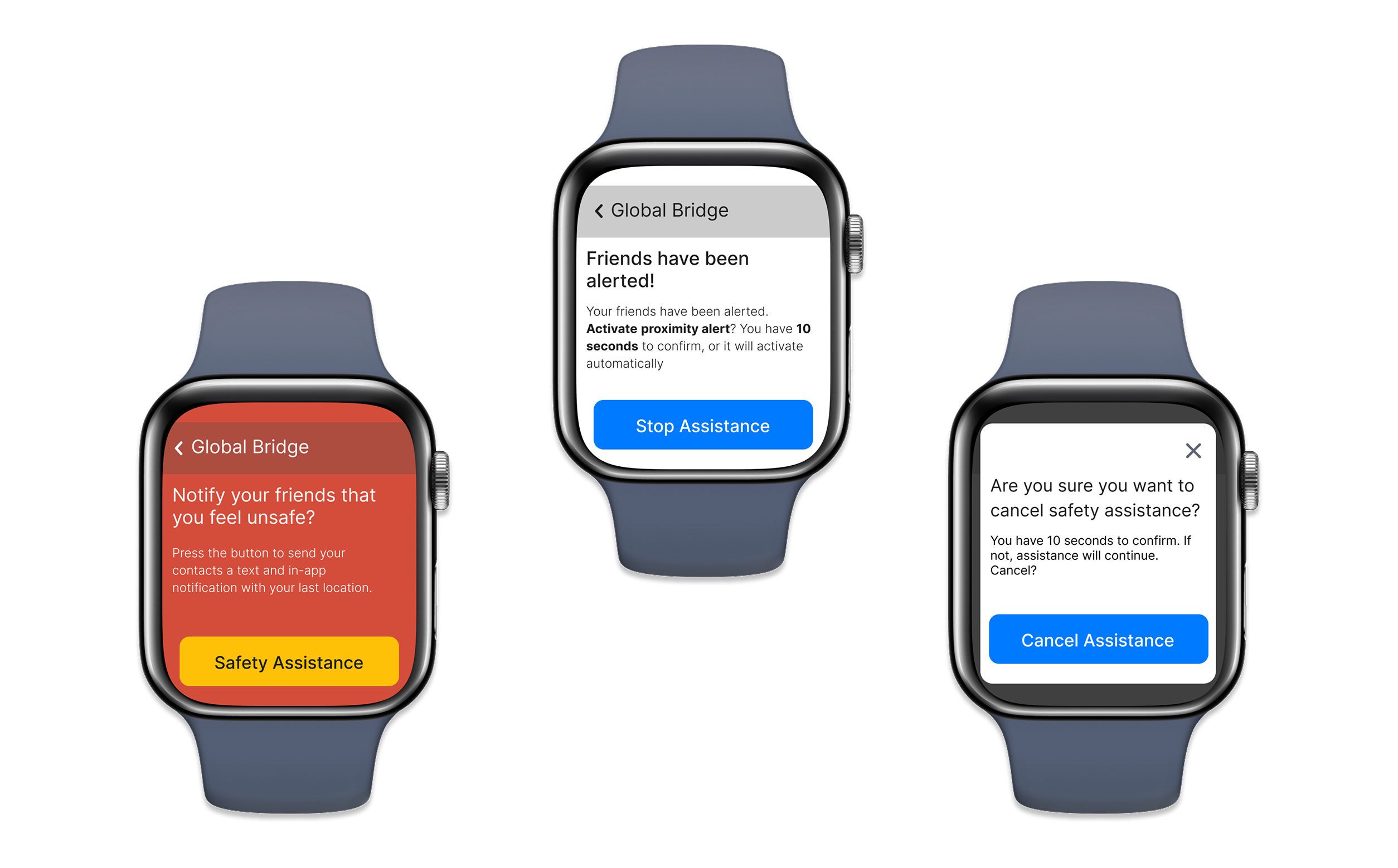
What broke.
What we fixed.
From thesis to deployment.
Thomas Jefferson University is integrating it into its ecosystem.
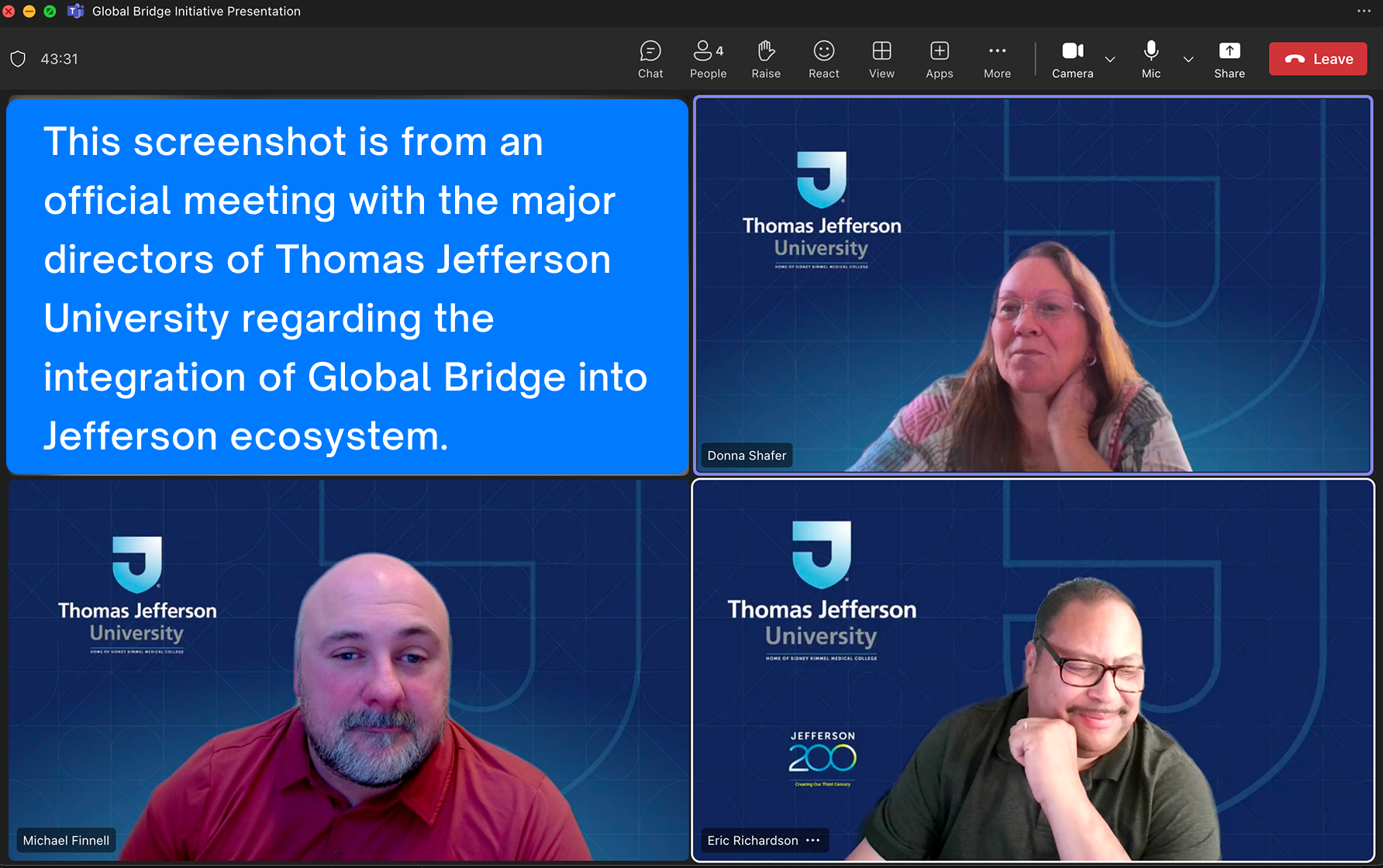
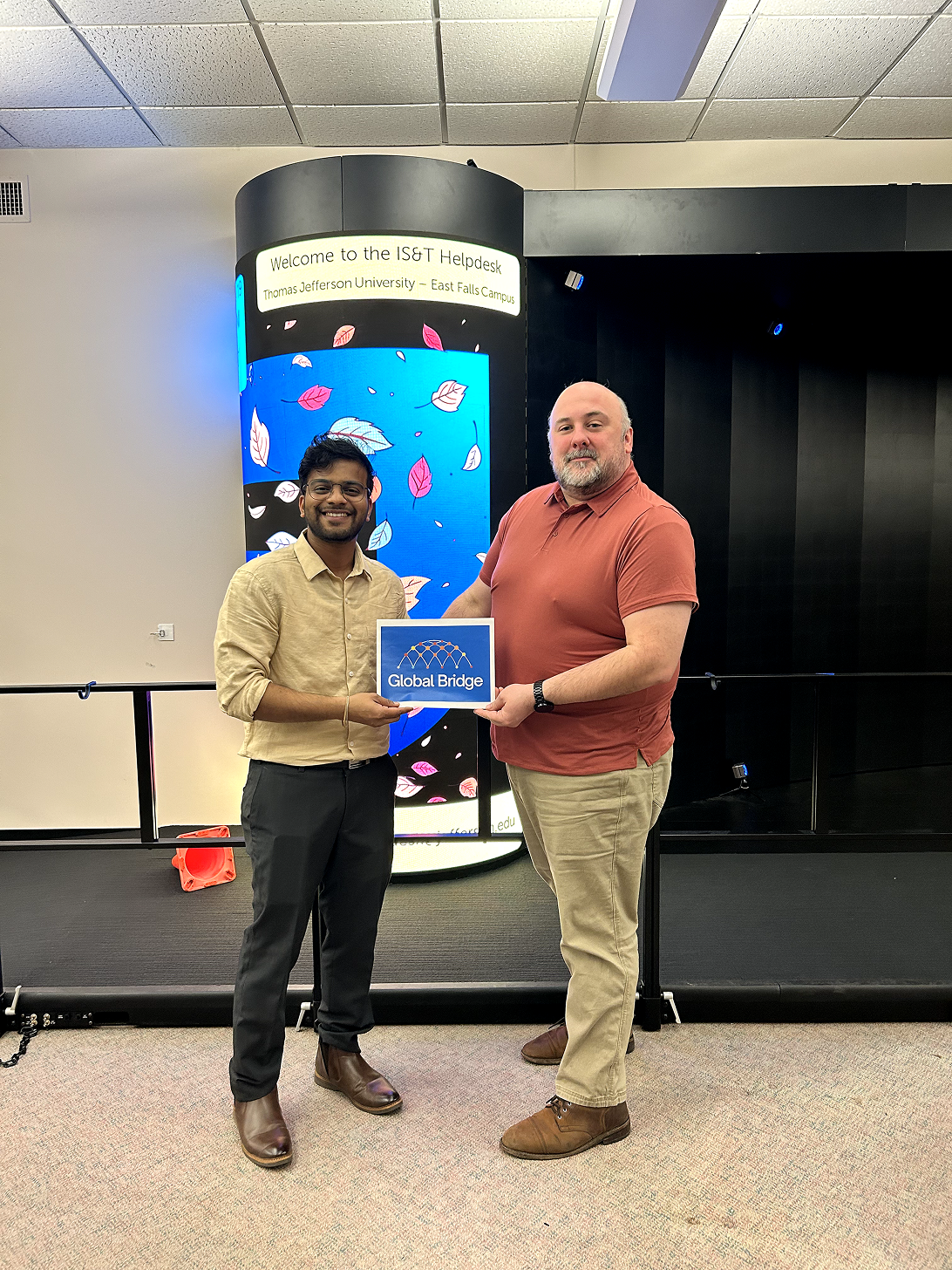
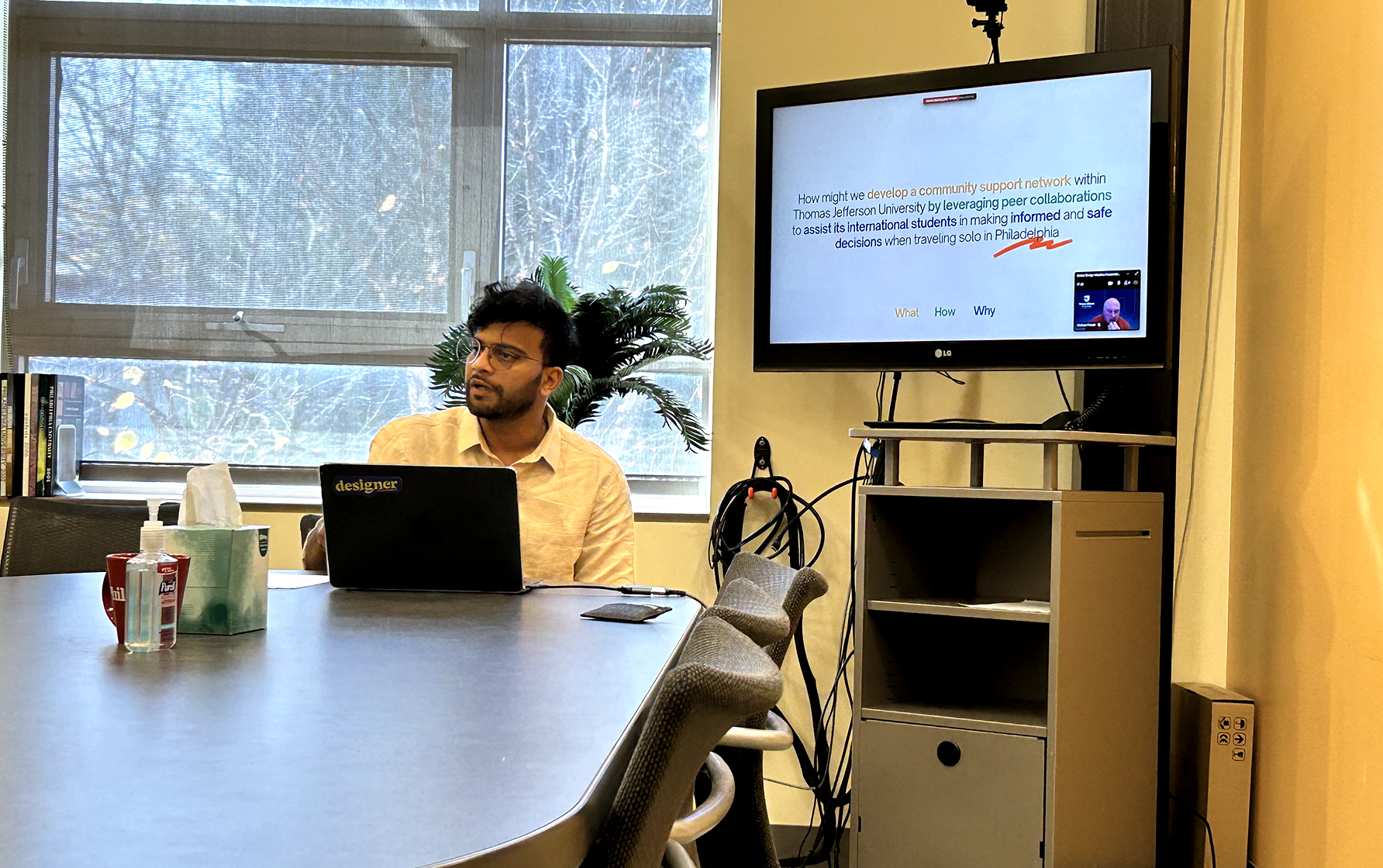
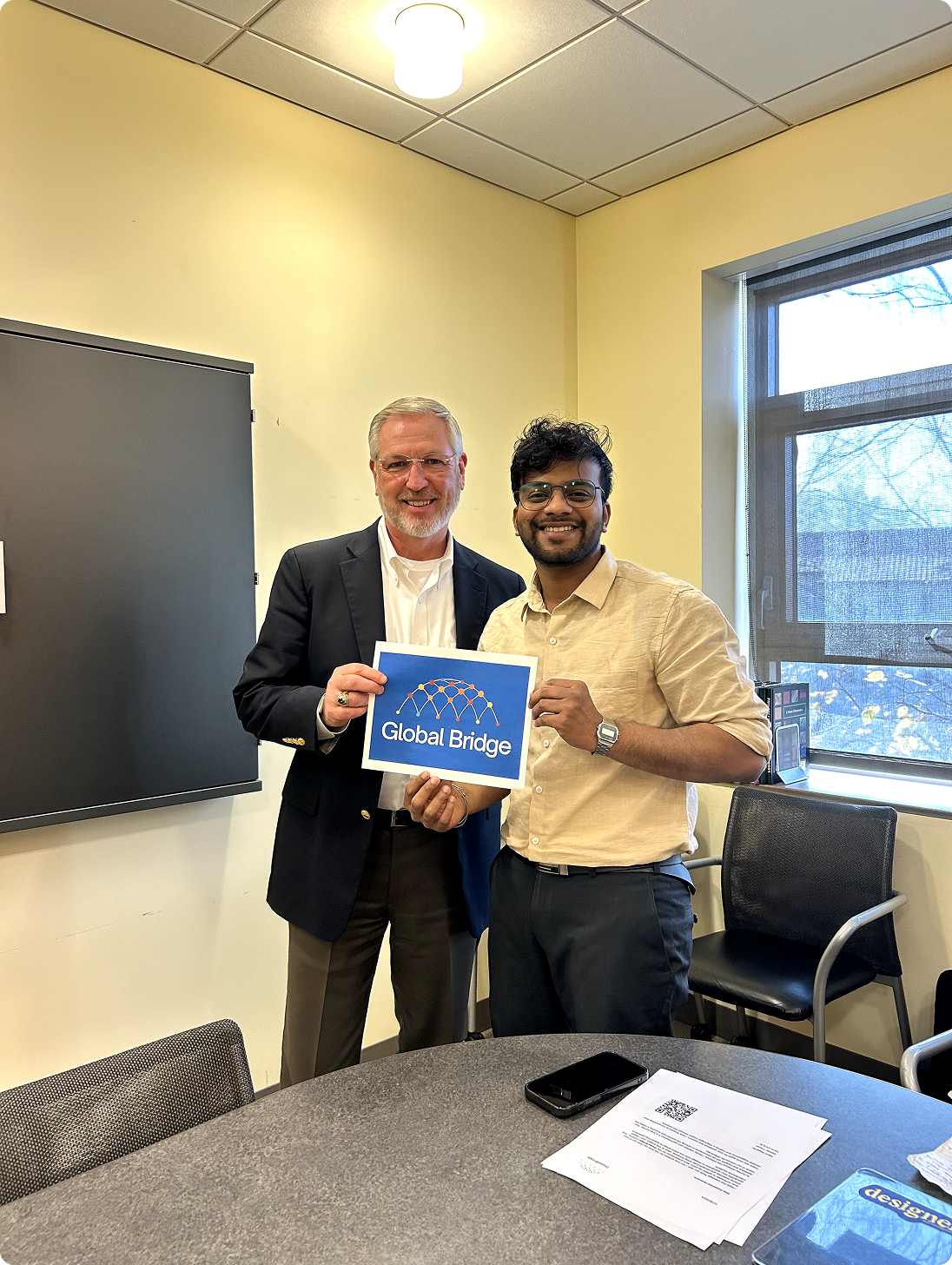
From wireframe to final design.
Every screen went through at least 3 iterations.